
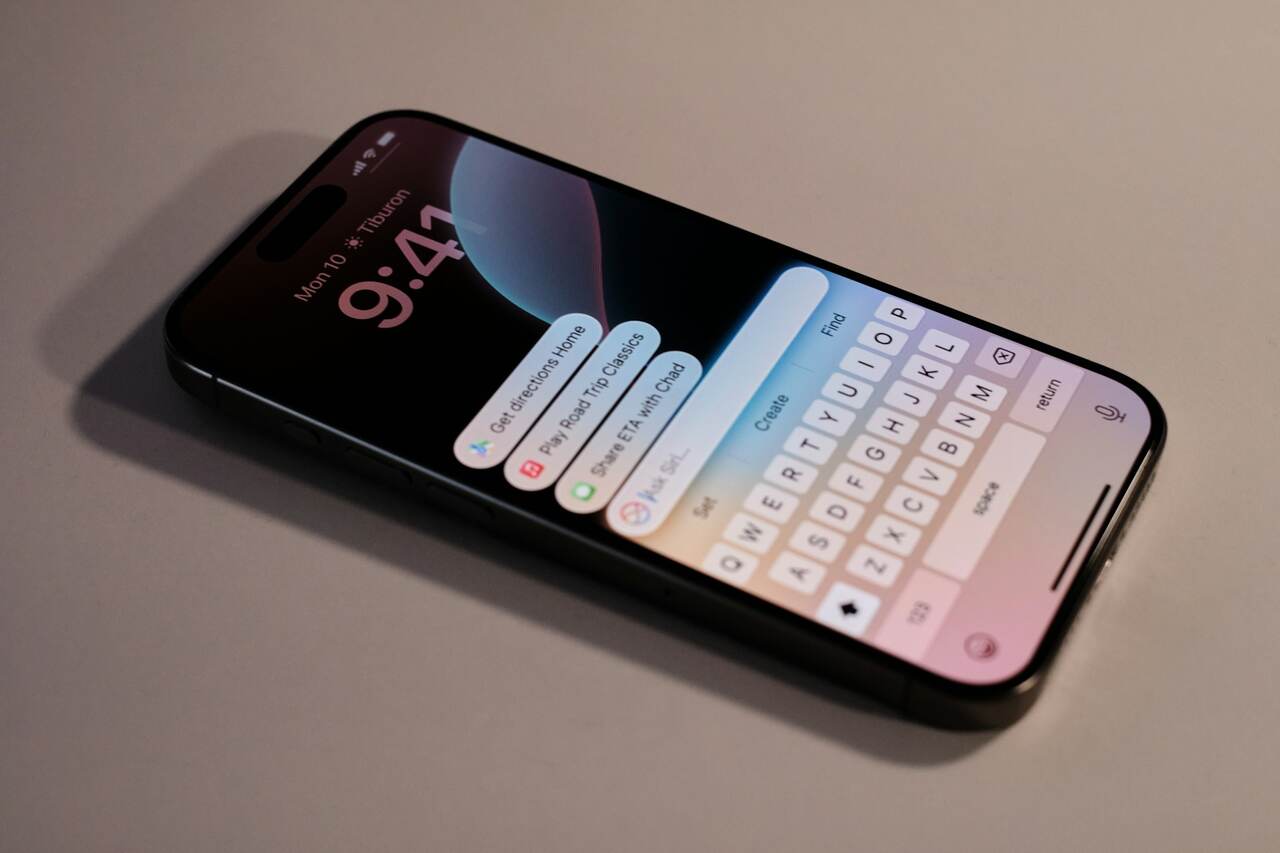
Apple Intelligence, Apple’s artificial intelligence, has been made available on the newest iPhone, iPad, and Mac models with the latest update.
However, users of Apple devices who updated their devices last Monday (27) were shocked to discover that the AI is “eating” around 7GB of space.
Fortunately, there is a way to disable Apple Intelligence if you don’t want to sacrifice part of your device’s internal memory for an AI tool still in its Beta development stage.
To disable the AI on iPhones and iPads, go to “Settings,” scroll down to the Apple Intelligence & Siri category, and then uncheck the box for “Apple Intelligence.”
On a Mac, click on the Apple symbol in the top-left corner of the screen and go to “System Settings.” There, simply access the Apple Intelligence & Siri tab and uncheck the Apple Intelligence option.
It’s important to remember that Apple Intelligence is only available on iPhone 16 and 15 Pro models, iPads with the A17 Pro chip or newer, and Macs with the M1 processor or newer, that have been updated to iOS 18.3, iPadOS 18.3, or macOS Sequoia 15.3.
Photo and video: Unsplash. This content was created with the help of AI and reviewed by the editorial team.
