
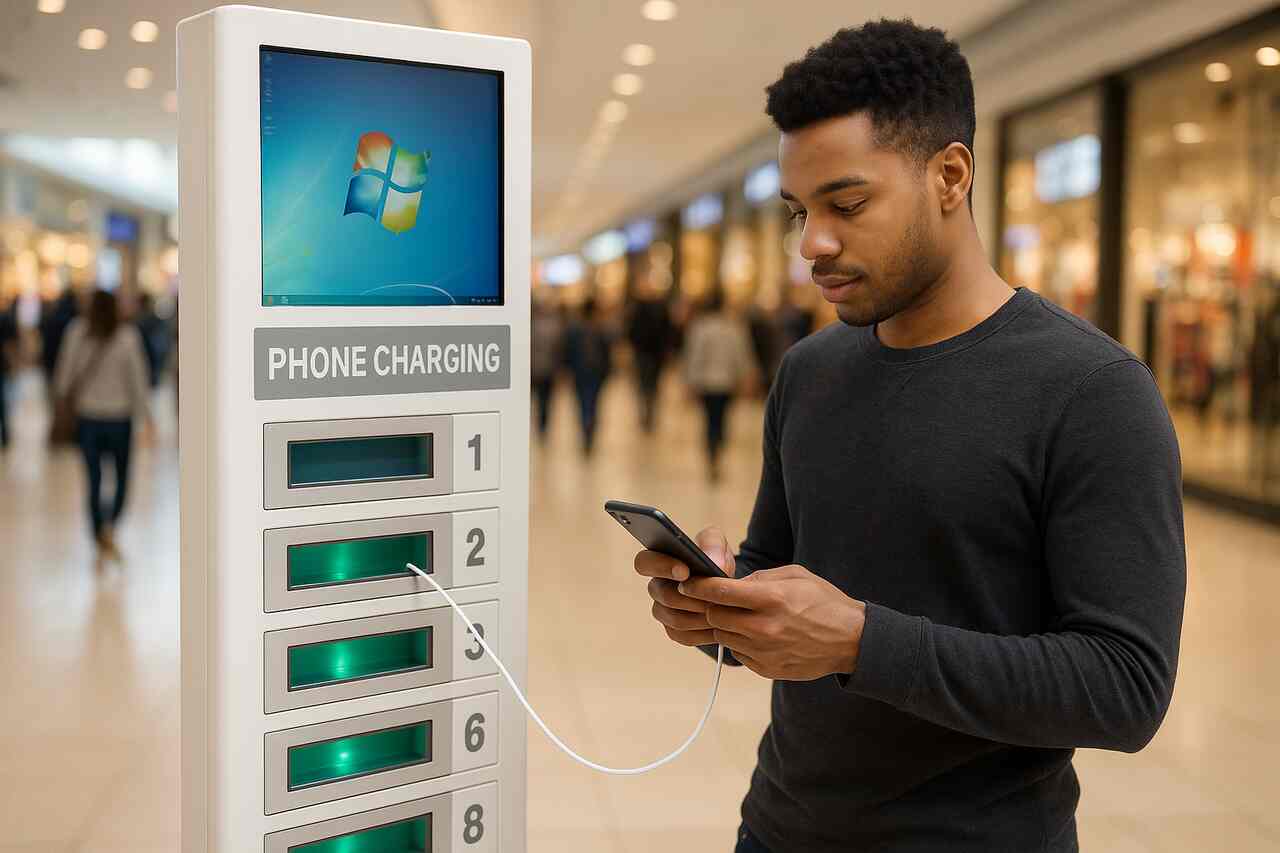
Public charging stations have become very common. Now, you can find outlets available in shopping malls, airports, as well as restaurants and cafes.
However, a report by the cybersecurity company Kaspersky revealed that criminals are using these public outlets to carry out scams involving data and photo theft.
+ Ukrainian Ministry of Defense Approves “Anti-Drone Gun” for Military Use
These attacks, known as ChoiceJacking, are carried out in three different ways, according to the company. The first involves a microcomputer disguised as a charging station.
This version of the scam is the most complex, as it works for both iOS and Android devices. Here’s how it works: when the smartphone is connected, the computer emulates a USB keyboard and sends commands to activate the device’s Bluetooth.
Once Bluetooth is activated, the computer now acts as a Bluetooth keyboard. After that, it connects via USB and acts as a computer. The phone then asks the user for permission to allow data download, and through the Bluetooth keyboard, the computer itself presses “Yes”.
The second method works only for Android phones and is a bit simpler, as it does not require a Bluetooth connection. In this version, the computer acts as a USB keyboard and floods the phone with keystrokes.
While the phone is busy trying to process these meaningless inputs, the computer disconnects and reconnects, this time as a computer. Then it is again able to confirm the data transfer.
The third method, which also works only for Android phones, exploits the Android Open Accessory Protocol (AOAP), which is incorrectly implemented in almost all smartphones.
In this way, the computer can automatically connect and, when the data download confirmation screen appears, it uses keystrokes to send all the necessary procedures via AOAP.
In Kaspersky‘s tests, Apple and Google blocked the attack attempts on iOS/iPadOS 18.4 and Android 15. That’s because, on these operating systems, USB data transfer requires biometric authentication and no longer relies solely on the “Yes” button.
However, they noted that the Android version alone does not prevent the attacks. On Samsung phones running the One UI 7 shell, biometric authentication is not required, even when using Android 15.
Before using a public outlet, the company recommended that Android users run a test: take a USB cable and connect the device to a known computer. If the device does not ask for biometric authentication to download data, it is best to avoid public charging stations.
Additionally, it is recommended to keep your operating system version always up to date, prioritize using your own charger, or carry a portable charger in case of emergency.
Photo and video: ChatGPT-4. This content was created with the help of AI and reviewed by the editorial team.
